
Slow down a YouTube tutorial on Android
A fast tutorial can make a sequence of controls difficult to follow. Reduce speed for the passage needing attention and restore it once the explanation is understood. Compare the same video so the change is…
Apps and games in this article
Check the version, file format and installation steps before downloading.
 YouTubeAPK · v21.41.525 · 198.7 MBView details and downloads →
Before you begin
A fast tutorial can make a sequence of controls difficult to follow. Reduce speed for the passage needing attention and restore it once the explanation is understood. Compare the same video so the change is not confused with another creator's different speaking style.
Check the active account and the open video before changing YouTube settings. Player controls, saved collections and history serve different purposes, so use the menu that matches your goal. For a tutorial, compare the same passage when checking results. Watch on-screen text as well as listening, so a viewing adjustment does not make you miss an important part of the explanation.
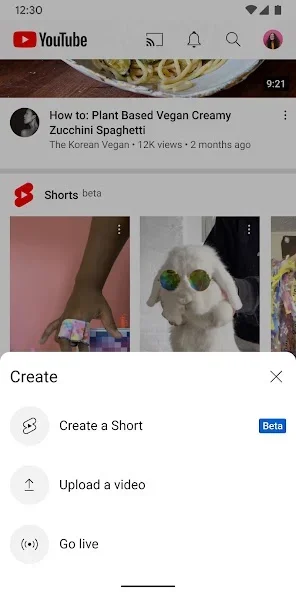
App screenshots
Follow these steps
Follow this sequence in the Android app.
- Open the tutorial and find the passage explaining the difficult step. Tap the player once and open Settings to reach playback controls without leaving the video you are studying.
- Choose Playback speed and select a value below normal. Play a short passage and check whether both the narration and on-screen movement are now easy enough to follow.
- To repeat a step, double-tap the left side of the video to go back ten seconds. Use the right side to move forward after that part has been understood.
- Once you have noted the sequence, reopen the speed control and restore normal speed if appropriate. Check the outcome in your own application before continuing to the tutorial's next stage.
Check the result
Slower playback does not make older instructions correct for every app version. Compare the menu names and controls actually present on your device. If they differ, pause at that step and clarify the explanation before copying any further action from the video.