
Organise your notes with tags in Simplenote
Give Simplenote titles and tags clear roles: titles describe each note, while a small set of consistent tags groups related information for easier searching.
Apps and games in this article
Check the version, file format and installation steps before downloading.
 SimplenoteAPK · v2.38 · 11.9 MBView details and downloads →
Purpose and preparation
Notes are easier to find when titles and tags have clear roles. Use the title to describe a note's contents, while tags group related notes together. Start with notes you often look up so organising them does not become a complicated extra job.
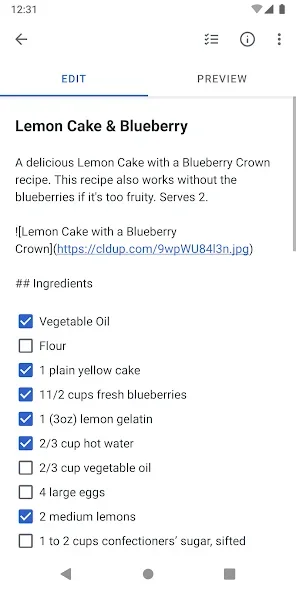
App screenshots
Suggested steps
Separate topics with short tags such as work or shopping. Use shared notes for lists that several people need to update, and check sharing access before inviting them.
- Choose several active notes and give them titles that describe the decisions, lists or information they contain.
- Choose a small number of tags based on your needs, such as projects or activities. Avoid creating a new tag for every sentence or date.
- Apply the same tags to related notes, then try finding a note through search and its tag group.
- Improve any titles or tags that are still confusing. Use the same pattern for new notes before adding more groups.
Check the result before continuing
Grouping works when you can find the note you need faster, without opening every note. If two tags always contain the same notes, consider simplifying them. Do not remove older content merely to tidy the display; organising labels and deciding to delete information are separate tasks.
Simplenote focuses on text notes, rather than documents with complex layouts. Synchronising between devices requires an account and an internet connection.