
Find an older event in Google Calendar
A meeting name is often easier to remember than its date. Search Calendar for past or upcoming events before creating another entry. This helps prevent duplicates when an existing invitation is not obvious in…
Before you begin
A meeting name is often easier to remember than its date. Search Calendar for past or upcoming events before creating another entry. This helps prevent duplicates when an existing invitation is not obvious in the current month view.
Check the account and calendar name before changing a schedule. Personal, family and work calendars can appear together even though their ownership and permissions differ. Compare the date, location and time with the actual invitation or agreement. For shared events, changing the event time and changing a reminder have different effects; settings on your phone do not automatically change every guest's preferences.
Follow these steps
Follow this sequence in the Android app.
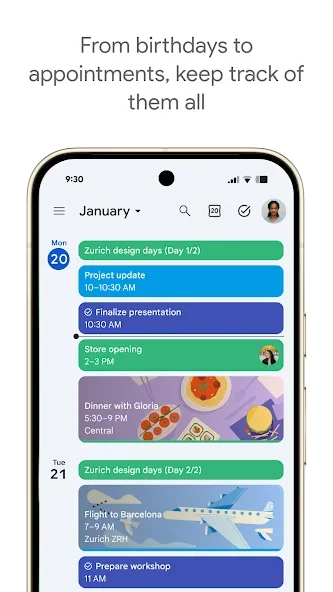
- Open Calendar with the account that holds the invitation and tap Search at the top right. Enter a distinctive part of the title, such as the project name rather than only meeting.
- Run the search and read the dates in the results. Events with identical names may belong to different months, so matching the title alone is not enough to identify the intended occurrence.
- Open a suitable result and inspect its location, time and event information. Compare those details with your message or invitation before copying them into a separate note or plan.
- If the older event remains missing, try Calendar's advanced search on a computer. Narrow the results by date range, then inspect the found event using the same account.
Check the result
An unsuccessful first search does not prove an event was deleted. Try different words, check the account and use a date range on a computer when needed. Once found, avoid creating a duplicate merely to remember its date, since that can make the calendar harder to manage.