
Check video subtitles in VLC for Android
Missing subtitles do not necessarily mean a video is damaged. Check video playback, the selected subtitle track and any separate subtitle file in turn.
Apps and games in this article
Check the version, file format and installation steps before downloading.
 VLC Media PlayerAPK · v3.7.1 · 45.8 MBView details and downloads →
Purpose and preparation
Missing subtitles do not necessarily mean that a video is damaged. Check the video file, selected track and accompanying text file separately to identify what needs fixing. Start with one local video that already plays normally.
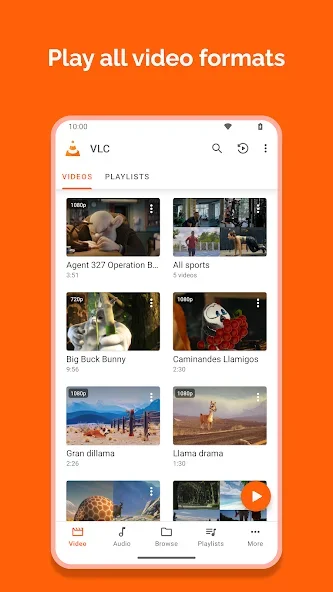
App screenshots
Suggested steps
To watch your own files, open the folder containing the video and choose an appropriate audio or subtitle track. Network access is used when the media source is on a server or streaming service, rather than in local storage.
- Open the video you want to check and confirm that both picture and sound work before changing other options.
- Inspect the player's subtitle options. If several tracks are available, try them individually and check that the language is the one you need.
- For a separate subtitle file, confirm that it belongs to the same video and can still be found in device storage.
- Replay the same passage of dialogue after changing an option. Note whether the problem is missing text, the wrong language or incorrect timing.
Check the result before continuing
The check succeeds when you can read the dialogue in the same passage using the selected track. If only one video has a problem, compare another video before changing device settings. Keep the original files during testing so you can compare the changes.
Media or storage permission is required to read device files. Format support does not guarantee that every video plays equally smoothly; resolution, encoding and device capabilities still matter.