
Check Spotify downloads before listening offline
Prepare offline listening while connected, and first check whether your account supports downloading the content you want.
Apps and games in this article
Check the version, file format and installation steps before downloading.
 SpotifyAPK · v9.1.90.2270 · 135.5 MBView details and downloads →
Before you begin
Prepare offline listening while connected, and first check whether your account supports downloading the content you want. Availability can differ between music and other content, so do not assume a saved playlist is already an offline download.
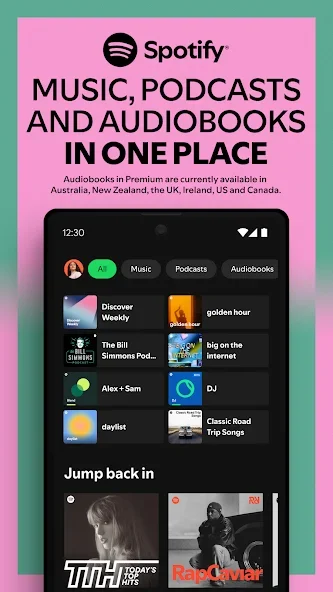
App screenshots
Follow these steps
Check the active Spotify account before organizing your library or downloads. Choose a playlist name that describes an activity or mood, then try several tracks to assess the order. Menus and playback options may differ by plan and device.
- Open the intended playlist or supported content in Spotify. Check the account and subscription requirements shown for its download option before continuing.
- Use the download control and leave enough device storage for the selection. Keep the connection stable until the app indicates the download has finished.
- Review the download indicators in your library. An item being saved or followed is not the same as its media being available offline.
- Test the prepared selection before the trip or commute. Review Spotify’s offline and connection requirements if playback still asks for internet access.
Check the result
Downloaded content remains subject to account and service rules. Do not clear app data before travel expecting downloads to remain. Keep the account active and check availability again after switching phones or reinstalling the app.
Offline music downloads require an eligible Spotify Premium plan and remain playable through the app. They are not MP3 exports to distribute. Check your connection and storage if downloads stop or remain incomplete.