
Build a Spotify playlist for your daily routine
A useful playlist has a purpose, such as a commute or a reading session.
Apps and games in this article
Check the version, file format and installation steps before downloading.
 SpotifyAPK · v9.1.90.2270 · 135.5 MBView details and downloads →
Before you begin
A useful playlist has a purpose, such as a commute or a reading session. Begin with a manageable selection rather than adding everything at once, then check whether the order supports the activity you have in mind.
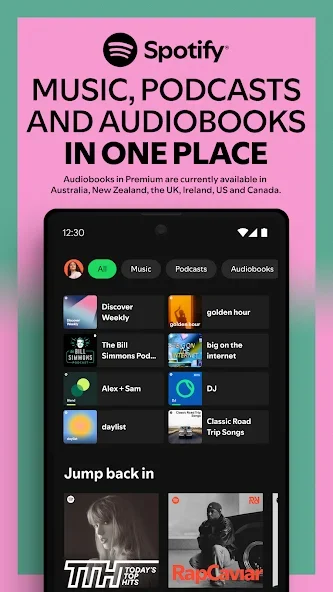
App screenshots
Follow these steps
Check the active Spotify account before organizing your library or downloads. Choose a playlist name that describes an activity or mood, then try several tracks to assess the order. Menus and playback options may differ by plan and device.
- Open your Spotify library on the intended account and create a playlist. Give it a name that identifies the activity or mood you want it to serve.
- Find tracks and add them to the playlist, checking the artist and version. Similar titles can refer to recordings that do not fit your original choice.
- Open the playlist and review the sequence. Remove unwanted duplicates and adjust the order where your account and app controls allow it.
- Play part of the list in the context where you plan to use it. Review sharing or visibility options before inviting other people to listen.
Check the result
A playlist is an organization tool, not proof that every track is downloaded or available in every region. Revisit unavailable items and check the active account when the library looks different on another device.
Offline music downloads require an eligible Spotify Premium plan and remain playable through the app. They are not MP3 exports to distribute. Check your connection and storage if downloads stop or remain incomplete.