
Back up WhatsApp chats to Google before changing phones
Check the WhatsApp backup on the phone that still holds your complete conversations.
Apps and games in this article
Check the version, file format and installation steps before downloading.
 WhatsApp MessengerXAPK · v2.26.39.79 · 91.3 MBView details and downloads →
Before you begin
Check the WhatsApp backup on the phone that still holds your complete conversations. Having a Google account does not mean your chats have been saved. Note the destination account and the last completed backup time before preparing a replacement phone.
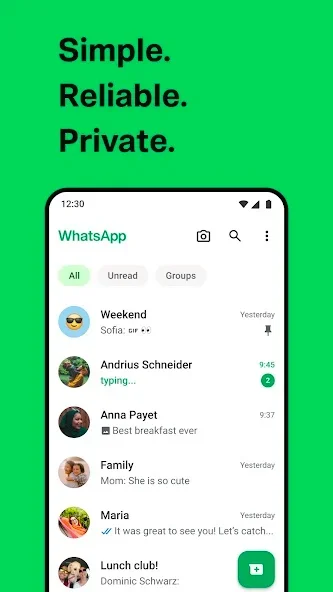
App screenshots
Follow these steps
Use the WhatsApp account you use every day. Menu names follow the app language; Setelan and Settings refer to the same area. Read the on-screen explanation before approving changes, especially when conversations contain important documents.
- Open WhatsApp Settings, then Chats and Chat backup. Check the Google account shown and confirm you can still sign in to it.
- Select the intended backup account. Review video inclusion, connection options and available Google storage before starting a backup that might otherwise stop partway through.
- Start the backup on a stable connection and wait for it to finish. Do not reset the old phone just because you pressed Back up.
- Check the last backup time after completion. Use the corresponding phone number and Google account when restoring conversations on the replacement phone.
Check the result
The result to verify is a recent completed backup, not simply a connected account. Messages received afterward may not be included. If encrypted backups are enabled, keep the recovery information available before leaving the old device behind.
Backups, media on the phone and messages visible to recipients serve different purposes. Changing one setting does not recall files someone else has already saved. Never share your account verification code.